Best AI YouTube Tools for Beginners (2026 Guide): Free Options, Features & Comparison
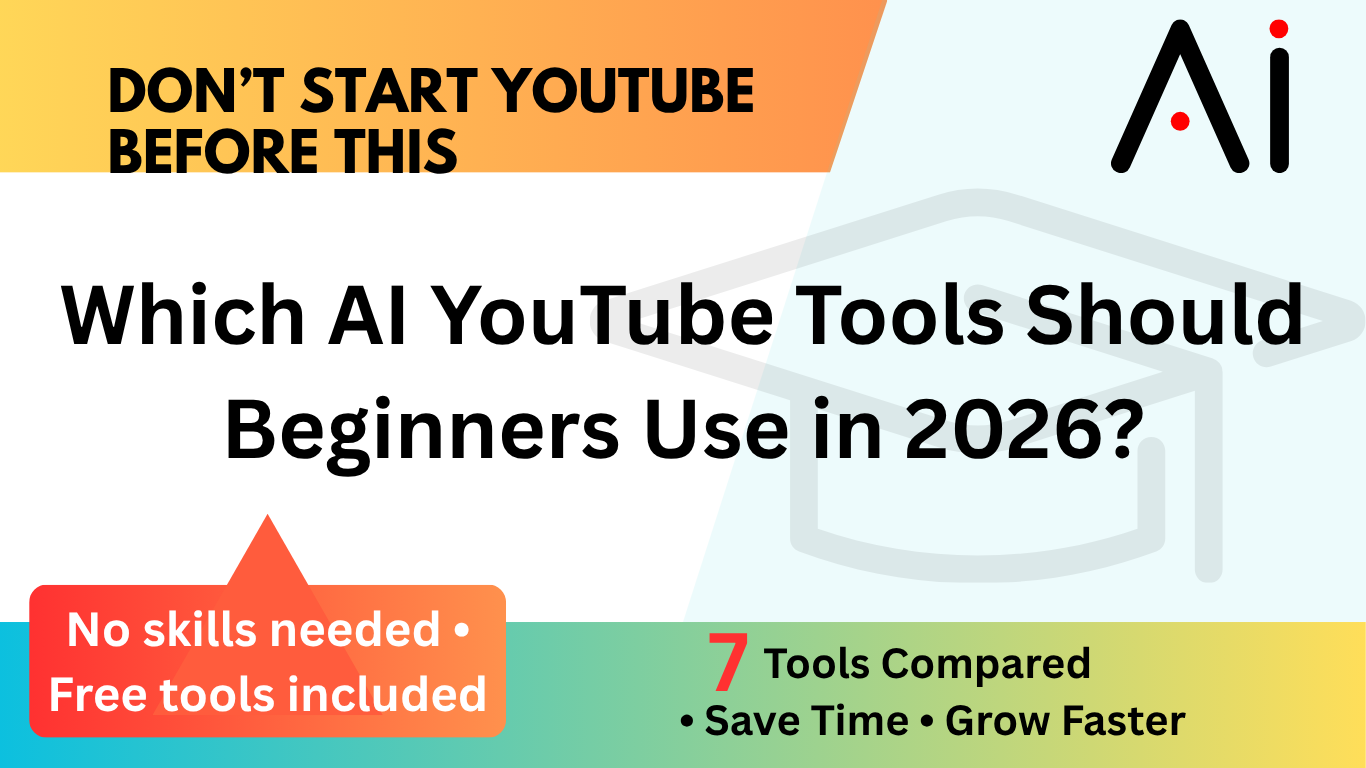
Starting a YouTube channel can be daunting—editing videos, writing scripts, creating thumbnails… It’s a lot to handle. If you’re a beginner or want to make it a side hustle, the good news is: AI YouTube tools can handle most of the hard work for you.

In this guide, we’ll explore the best AI YouTube tools, including free options, compare their features, and help you choose the right one—even if you have no experience.
What is AI YouTube Tools?
AI YouTube tools are software that utilise artificial intelligence to assist you in creating, editing, and expanding your YouTube channel more quickly.
They can help you with:
- Script writing
- Video editing
- Thumbnail creation
- Voiceovers
- SEO optimization
- Analytics and growth tracking
👉 Example: Instead of spending three hours editing, an AI tool can do it in minutes.
Best AI YouTube Tools
Here are some of the most popular and beginner-friendly tools:
Pictory
- Turns text into videos automatically
- Great for faceless YouTube channels
TubeBuddy
- Helps with SEO and keyword research
- Perfect for growing your channel
VidIQ
- Analytics and keyword insights
- Beginner-friendly dashboard
Descript
- Edit videos by editing text
- Includes AI voice and transcription
Canva
- Create thumbnails and simple videos
- Free plan available
ChatGPT
- Script writing and idea generation
- Great for content planning
GitHub AI tools (various)
- Open-source YouTube tools: free options
- You can find a list of automation scripts and AI editors
Features
Here are the key features you should look for:
- AI Script Generator → Write videos quickly
- Auto Video Editor → Saves hours of work
- Thumbnail Creator → Boost clicks
- SEO Tools → Rank higher on YouTube
- Voice Generator → No need to record your voice
- Analytics Dashboard → Track performance
Pros and Cons
Pros
- Saves time and effort
- Beginner-friendly
- Many free tools available
- Helps you scale faster
Cons
- Some tools require payment for full features
- AI content may need editing
- Learning curve for advanced tools
Pricing
| Tool | Free Plan | Paid Plan |
|---|---|---|
| Pictory | No | From $19/month |
| TubeBuddy | Yes | From $9/month |
| VidIQ | Yes | From $7.50/month |
| Descript | Yes | From $12/month |
| Canva | Yes | From $12.99/month |
| ChatGPT | Yes | Optional premium |
💡 Tip: Many tools offer a calculator free trial or usage-based pricing—great for testing before committing.
Tool Comparison
Let’s simplify things:
- Want automation → Pictory
- Want growth & SEO → TubeBuddy / VidIQ
- Want easy editing → Descript
- Want design (thumbnails) → Canva
- Want ideas & scripts → ChatGPT
- Want custom solutions → GitHub tools
Comparison Table
| Tool | Best For | Free Version | Ease of Use | Key Feature |
|---|---|---|---|---|
| Pictory | Auto video creation | ❌ | ⭐⭐⭐⭐ | Text-to-video |
| TubeBuddy | SEO & growth | ✅ | ⭐⭐⭐⭐⭐ | Keyword tools |
| VidIQ | Analytics | ✅ | ⭐⭐⭐⭐⭐ | Insights |
| Descript | Editing | ✅ | ⭐⭐⭐⭐ | Text editing |
| Canva | Thumbnails | ✅ | ⭐⭐⭐⭐⭐ | Templates |
| ChatGPT | Scripts | ✅ | ⭐⭐⭐⭐⭐ | AI writing |
| GitHub | Custom tools | ✅ | ⭐⭐ | Open-source |
FAQ
Are there free AI YouTube tools?
Yes! Many tools like Canva, TubeBuddy, and ChatGPT offer free plans for YouTube tools.
Do I need editing skills?
No, most AI tools are created for beginners.
Can I make money with these tools?
Yes. Many people use AI tools to generate:
- Faceless YouTube channels
- Automation content
- Side income streams
What about calculator tools?
Some platforms offer analytics dashboards or even calculator tools to estimate:
- Revenue
- Views
- Engagement
You can also find calculator download tools or scripts on GitHub.
How to Choose
Here’s a simple way to pick:
👉 If you’re a complete beginner:
- Start with Canva + ChatGPT
👉 If you want growth:
- Use TubeBuddy or VidIQ
👉 If you want automation:
- Try Pictory
👉 If you like experimenting:
- Explore GitHub lists of AI tools
💡 Start free, then upgrade only when needed.
Conclusion
AI is changing YouTube completely—and that’s good news for beginners.
You no longer need expensive equipment or advanced skills. With the right AI YouTube tools, you can:
- Create content faster
- Grow your channel smarter
- Build a side income
Begin with simple steps, try a few free tools, and slowly develop your workflow.
The best tool is the one you’ll actually use—so pick one and start today!


-768x512.jpg)